
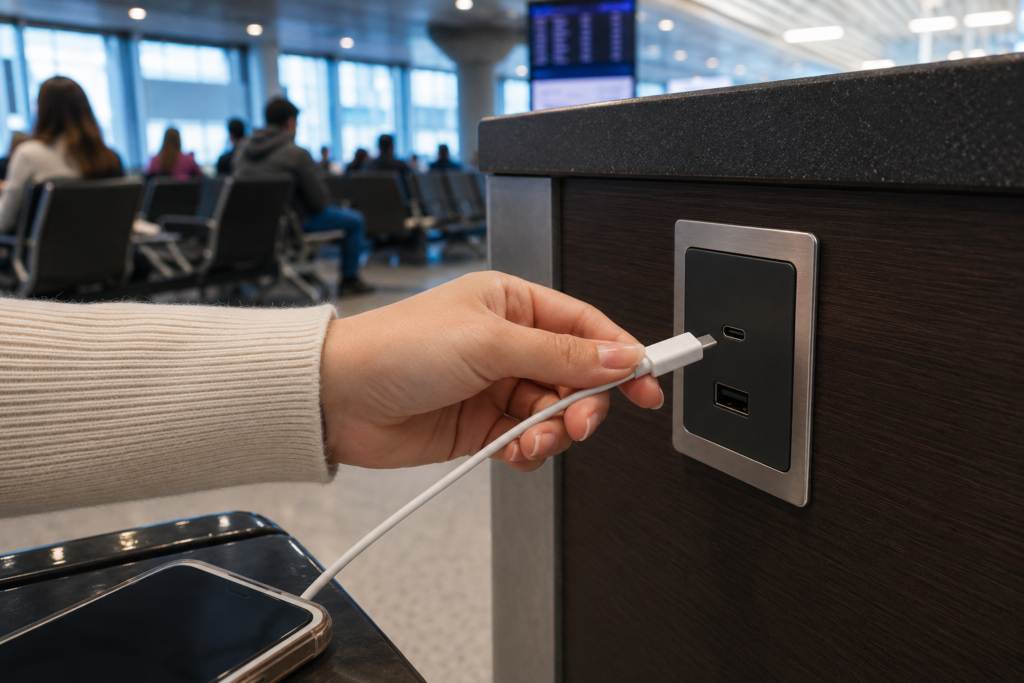
Having a charged cellphone provides a sense of security. As smartphones and portable devices became the standard, many businesses and public places adapted by providing USB or USB-C ports in addition to electrical outlets. This way, you can plug directly into the wall without bothering with a power block.
Sadly, these amenities are often compromised. Cybercriminals often tamper with these ports to steal data or transfer malware to your device. They can even download software to take control of your phone remotely, or lock you out of it entirely. This crime is called “juice jacking.”
Obviously, these scammers choose places where they can do the most damage — airports, shopping malls, hotels, internet cafes, and other places where people linger. If you’re at a place you trust, feel free to use the power. If you’re in a public place, use these tips to stay safe and avoid juice jackers.
1. Carry (or borrow) a power plug
The easiest way to thwart the scam is to use electrical outlets exclusively. Hackers can’t use a power plug to transfer data to or from your device, so you can be sure there’s no malicious tech in the outlet. Yes, it’s a hassle to carry one more thing, but it’s worth it to avoid compromising your personal information.
2. Pick up a batter
Consider purchasing a portable power bank with you. These are small, efficient, and often connect wirelessly to your phone. If you don’t want to keep one in your pocket or purse all the time, keep a charged battery in your glove compartment.
3. Conserve your power
The easiest way to avoid public charging stations is not to need one in the first place. There are several things you can do to maximize your phone’s battery.
- Keep your apps and software updated. Running outdated software could be chewing through your battery life.
- Switch to low power mode when you go out. Most phones have the “low power mode” option, which will automatically turn off unnecessary background activity.
- Manage your notifications. Limit push notifications for unnecessary apps.
- Turn on airplane mode. If you’re really in a pinch, turn your phone on airplane mode until you need it. Your battery will last longer.